
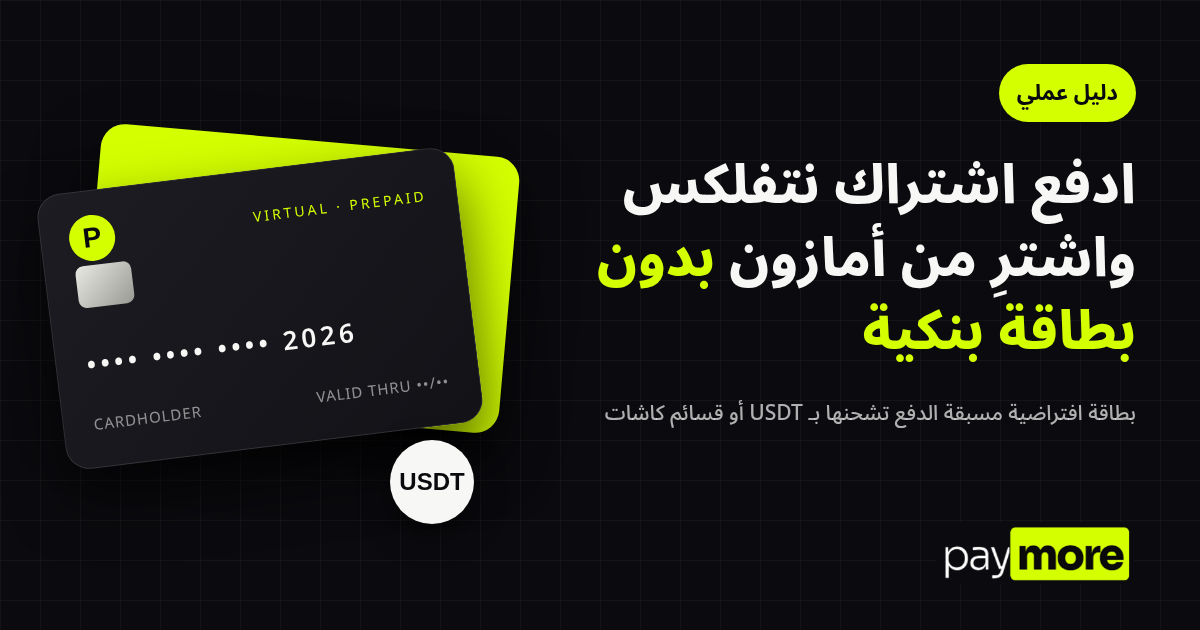
Pay Netflix & Shop Amazon Without a Bank Card
Learn how to pay for Netflix and shop on Amazon without a bank card, using a virtual prepaid card you top up with USDT on TRC20 or with Cashat vouchers.
You pick a Netflix plan or fill your Amazon cart, and at the last step the site asks for a card number. Maybe you don't have a bank card, your local card is blocked for foreign sites, or you'd rather not link your bank account to every store.
A practical fix is a virtual prepaid card. This guide explains what it is, how to get one, and how to use it on Netflix, Amazon and similar sites.
Why your card gets declined on international sites
- No card at all: many people have no bank account, or one without an international payment card.
- Local-only cards: some cards work at home but not on foreign websites.
- Bank limits: some banks restrict or require manual activation of international payments.
- Data risk: typing your main card into many sites increases the chance it leaks.
What is a virtual prepaid card?
It is a digital payment card with a number, expiry date and CVV, used for online payments without a plastic card. "Prepaid" means you load a balance first and spend from it, so there is no debt and the most that can be charged is the balance on the card.
PayMore cards are issued through a third-party card issuing provider and run on the Visa or Mastercard network, so they can be used with online merchants worldwide that accept these cards.
How to get a PayMore virtual card
1. Create your account
Go to the registration page and sign up with your email.
2. Complete identity verification (KYC)
KYC is required before you can buy any card. Have a valid ID ready and follow the steps in the app.
3. Top up your balance
- USDT on TRC20: send funds from your wallet or exchange to the address shown in your account. Choose the TRC20 network specifically; sending on another network may lose the funds.
- Cashat vouchers: if you don't use crypto, redeem a Cashat voucher code in your account.
4. Buy and load the card
Once the balance arrives, choose a card and load the amount you need. The card details appear in your account, ready to use.
Paying for Netflix
- Choose your plan on Netflix.
- Select card payment.
- Enter the card number, expiry and CVV from your PayMore account.
- Make sure the balance covers the plan.
- Confirm.
Netflix renews monthly, so top up before the renewal date. To stop, simply don't top up or cancel in Netflix settings.
Shopping on Amazon
- Add items to your cart.
- In payment settings, add a new card.
- Enter the card details and cardholder name.
- Check that the balance covers items, shipping and any import charges shown at checkout.
- Place the order.
Amazon may ask for extra verification the first time you use a new card. That is normal.
Does it work everywhere?
The card works with merchants that accept Visa and Mastercard, but acceptance on every site can't be guaranteed. Each merchant sets its own rules; some don't accept prepaid cards for certain services, and some depend on the billing country. Try a small amount first on a new site.
You may also be able to add the card to Apple Pay or Google Pay, depending on your device and region.
Safety tips
- Never share card details, including over WhatsApp or Telegram.
- Load only what you need.
- Double-check the wallet address before sending USDT.
- Use official Netflix and Amazon links only.
Restricted countries
The service is not available to residents of restricted jurisdictions. Check the restricted countries list before signing up.
FAQ
Do I need a bank account?
No. You can top up with USDT on TRC20 or with Cashat vouchers.
Is KYC required?
Yes. Identity verification is required before buying any card.
Can I use it for subscriptions like Netflix or Spotify?
Yes, with services that accept Visa and Mastercard. Top up before each renewal.
What if the balance is too low at renewal?
The payment is declined and nothing is charged; the service usually pauses your subscription until you top up.
Is the card issued by Visa or Mastercard directly?
No. It is issued through a third-party card issuing provider and runs on the Visa or Mastercard network.
Get started
Create your PayMore account, complete verification and top up the way that suits you.